

Welcome to Lumen
Self-serve docs for installing, configuring, and troubleshooting Lumen on Shopify.
Lumen is an AI-powered WISMO assistant for Shopify stores. It answers order tracking questions from your storefront widget, verifies customers before showing order details, and creates tickets when a human needs to follow up.
These docs are written for store owners and support teams who want to set up Lumen without waiting for support.
Start here
If you are setting up Lumen for the first time:
- Install Lumen from the Shopify App Store.
- Enable the chat widget in Online Store → Themes → Customize → App embeds.
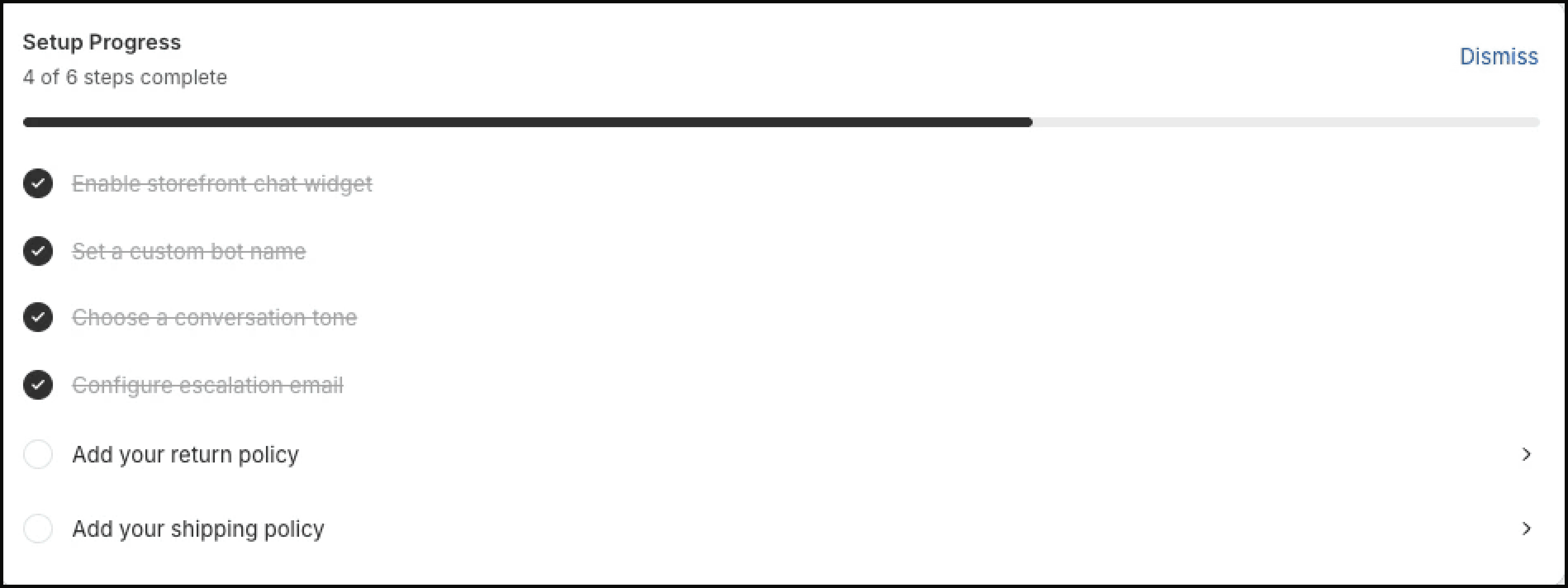
- Configure your settings, including bot name, tone, and escalation email.
- Run a first test conversation with a real test order.
- Use Troubleshooting if the widget, order tracking, or escalation email does not behave as expected.
Key capabilities
Order tracking from Shopify data — Lumen reads order and fulfillment details from Shopify and turns them into clear customer replies.
Customer verification before details — Lumen asks for the order number and verifies the customer email before showing order or tracking information.
Smart escalation — When a customer is frustrated or needs help beyond tracking, Lumen can create a ticket and send your team the conversation context.
Tickets and analytics — Review recent conversations, monitor sentiment and escalation trends, and export CSV data on paid plans.
Privacy-aware data handling — Lumen uses only the data needed to answer order questions and support merchant workflows.
Common jobs
Enable the widget
Turn on the Lumen app embed in your Shopify theme.
Test order tracking
Check the customer flow before you rely on it live.
Customize the widget
Adjust appearance, position, bot name, and tone.
Set up escalations
Send urgent conversations to your support inbox.
Fix common issues
Resolve widget, order, and email delivery problems.
Compare plans
See which features are available on each plan.