

Your first conversation
See what a typical Lumen conversation looks like from the customer's perspective.
Use this flow to test Lumen before relying on it for live customers.
Before you test
Have a real Shopify test order ready with:
- An order number.
- The email address used at checkout.
- Fulfillment or tracking details if you want to test tracking output.
Do not use a real customer's personal details in screenshots or public documentation.
Expected customer flow
1. Customer opens the chat
When a customer clicks the chat bubble, they see the Lumen widget and an input field.
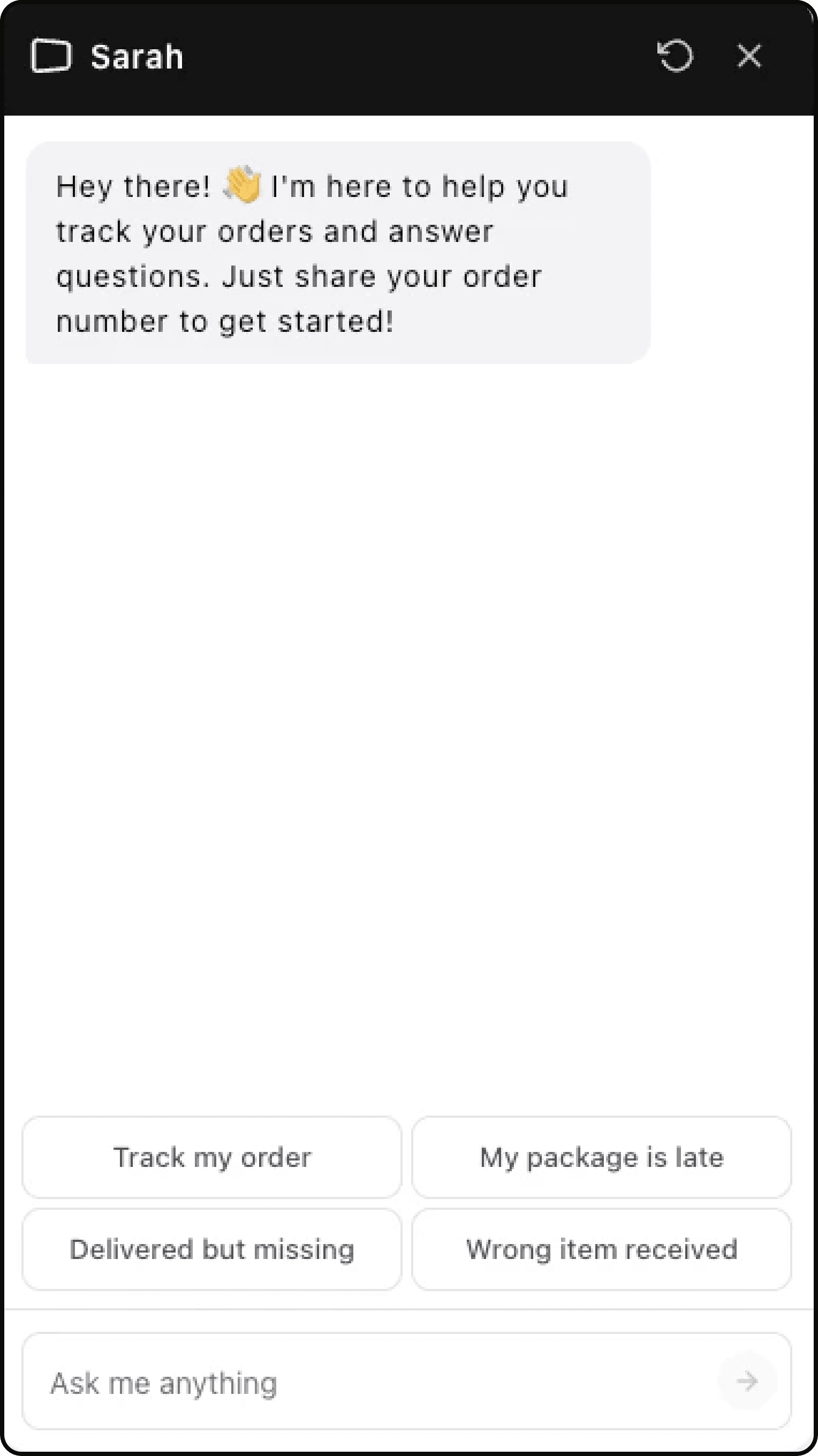
2. Customer asks to track an order
The customer can ask naturally:
- "Where is my order?"
- "Track my order"
- "Can you check order #1042?"
If the customer does not provide an order number, Lumen asks for one.
3. Customer provides the order number
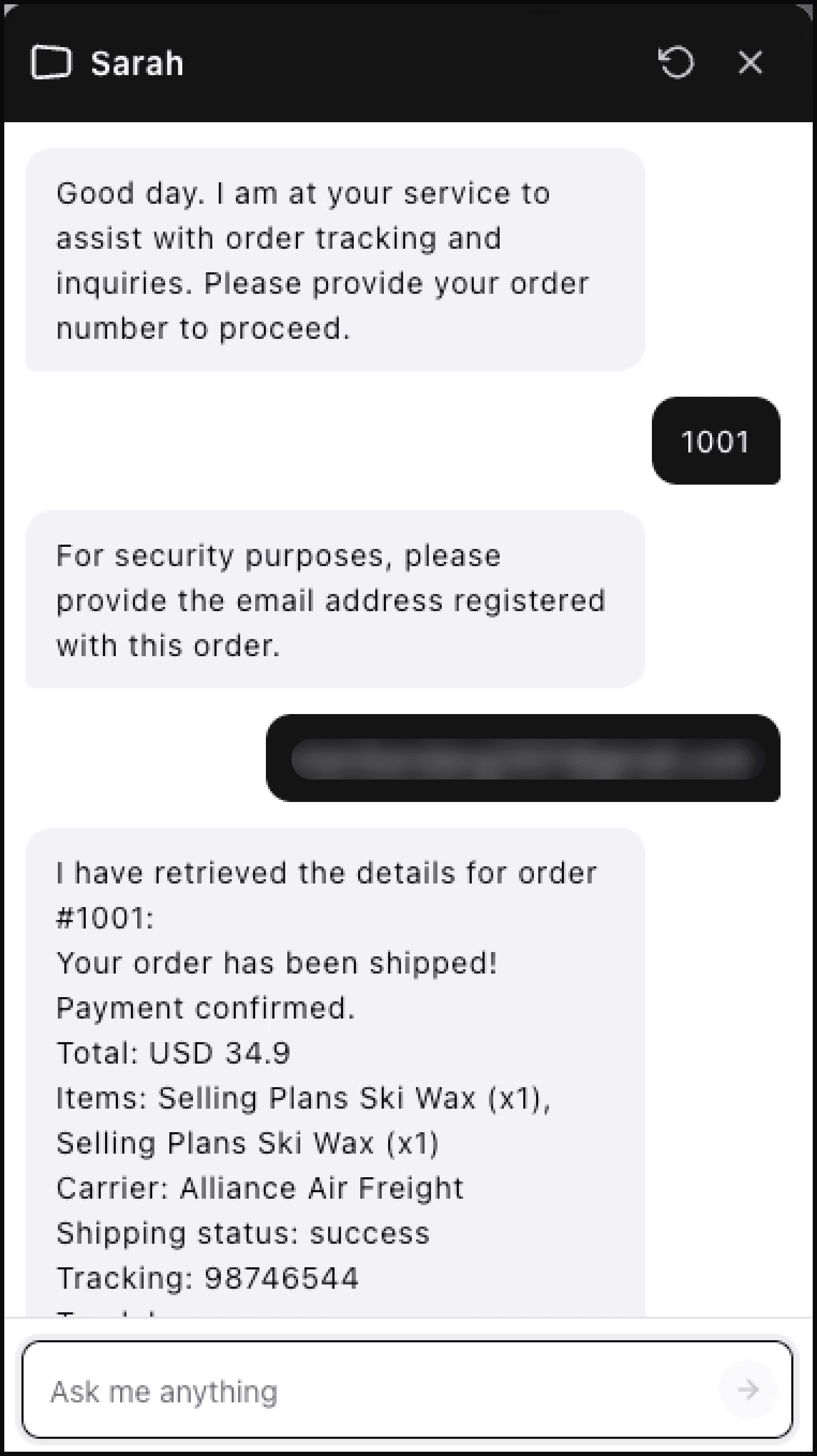
After the order number is provided, Lumen verifies the customer before showing order details.
4. Customer verifies by email
Lumen asks for the email address associated with the order. If the email matches, Lumen can show order status, payment status, items, carrier, tracking number, and tracking link when available.
If the email does not match, Lumen does not show order details and asks the customer to check the information.
5. Customer asks follow-up questions
Within the same active widget session, Lumen remembers the verified order context. The customer can ask follow-up questions such as:
- "Can I get the tracking link?"
- "Has it shipped?"
- "What if it has not arrived?"
If the customer starts a new session later, Lumen may ask for verification again before showing details.
6. Escalation if needed
If the customer is frustrated or asks for help beyond Lumen's scope, Lumen can create a ticket. On paid plans with escalation email configured, your team also receives an email alert.
What Lumen can and can't do
Lumen handles:
- Order status checks
- Tracking information and carrier details
- Estimated delivery dates
- Multiple orders per customer
- Follow-up questions in the same session
Lumen does not:
- Modify orders (cancel, refund, or change items)
- Process refunds, returns, exchanges, or address changes
- Answer broad product recommendation questions
- Access orders from other platforms (only Shopify)
When a customer asks something outside Lumen's scope, it explains what it can help with and can escalate to your support team.