

Smart escalation overview
How Lumen detects when customers need human help and connects them with your support team.
Smart escalation ensures that customers who need human help get it — without making everyone wait in a queue.
How it works
Lumen intelligently monitors conversations and recognizes when a customer needs human support. When escalation is triggered, Lumen:
- Tells the customer it will connect them with a support agent.
- Captures the available conversation and order context.
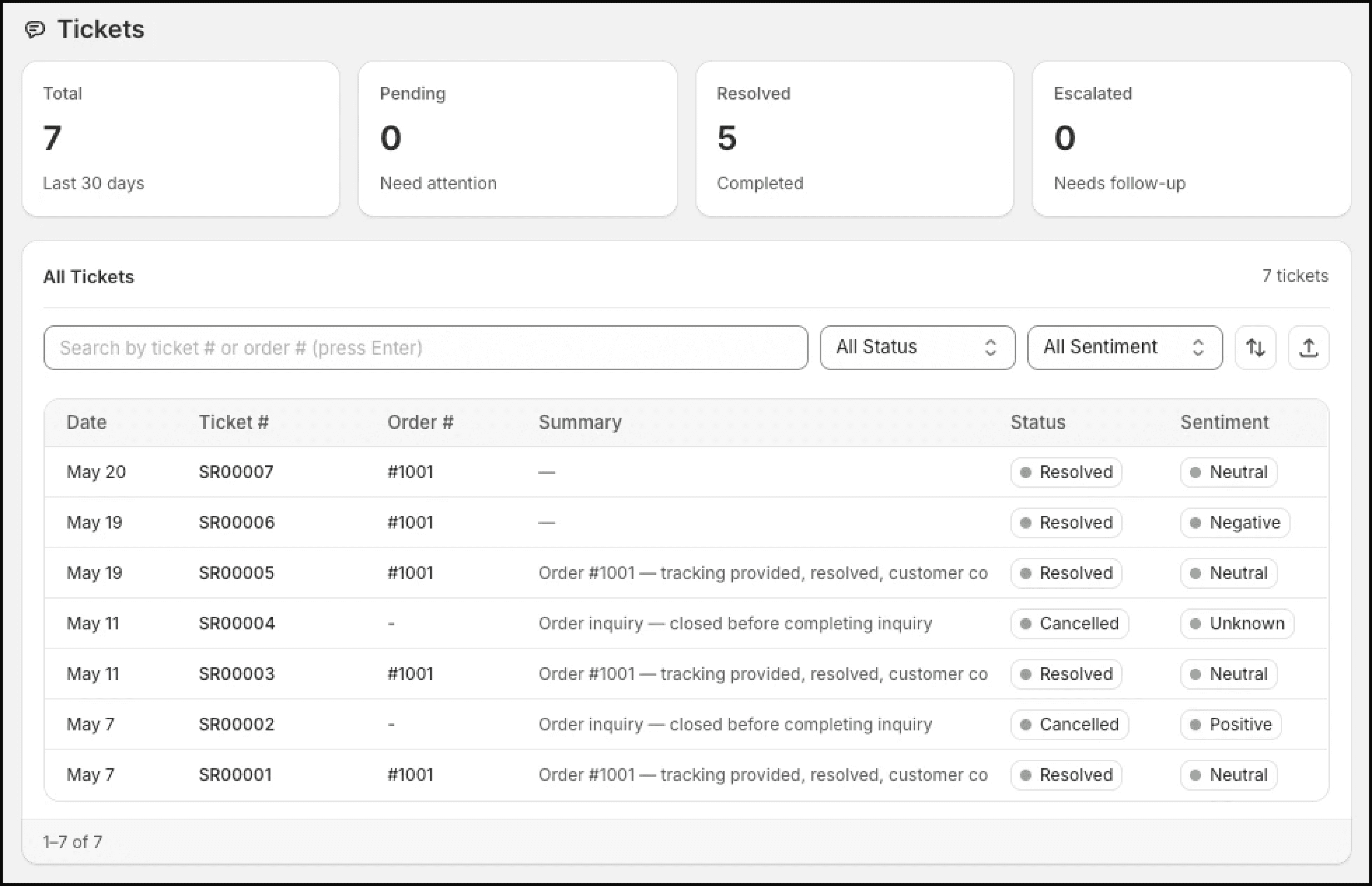
- Creates or updates the conversation ticket.
- On paid plans with escalation email configured, sends an email alert to your support address.
- Confirms to the customer that your team will follow up.
What's included in the escalation email
Your support team receives:
- Customer email — So they can reply directly
- Full conversation transcript — Every message exchanged between the customer and Lumen
- Order details — Order number, status, tracking info, and any relevant data Lumen found
- Context summary — A brief note on the reason for escalation
This gives your team full context to respond without asking the customer to repeat themselves.
Sample escalation email
Here's what a typical escalation email looks like:
Subject: Lumen Escalation — Order #1042 — sarah@example.com

──────────────────────────────────────
ESCALATION REASON: Customer reporting non-delivery
──────────────────────────────────────

CUSTOMER EMAIL: sarah@example.com
(Reply to this email to respond directly to the customer)

ORDER DETAILS:
• Order: #1042
• Status: Delivered (Feb 20, 2026)
• Carrier: USPS
• Tracking: 9400111899223847563

CONVERSATION TRANSCRIPT:

Customer: Where is my order #1042?

Lumen: Your order #1042 shipped on February 18th via USPS and
was marked as delivered on February 20th. Your tracking number
is 9400111899223847563.

Customer: I never received it though. It says delivered but
nothing was at my door.

Lumen: I'm sorry to hear that. Since the carrier shows it as
delivered but you haven't received it, this is something our
support team can help investigate. Would you like me to connect
you with them?

Customer: Yes please

Lumen: I've forwarded your case to our support team with all the
details. They'll reach out to you at sarah@example.com shortly.

──────────────────────────────────────
Sent by Lumen · yourstore.myshopify.com
Availability
Escalation tickets can be created on all plans. Email escalation alerts are available on Pro and Pro+ when an escalation email address is configured.
Escalation counts in Analytics are for reporting and monitoring. They are not a separate monthly email quota.
Escalation vs. transfer
Lumen uses asynchronous escalation — it sends an email to your team rather than transferring to a live chat. This works well for stores that don't have live chat agents on standby 24/7.
Your team can respond to the customer via email at their convenience, which aligns with the self-service, different-timezone approach that Lumen is designed for.