

Customer experience
What your customers see when they use Lumen to track their orders.
Lumen is designed to feel like a helpful assistant, not a rigid bot. Here's what the experience looks like from your customer's perspective.
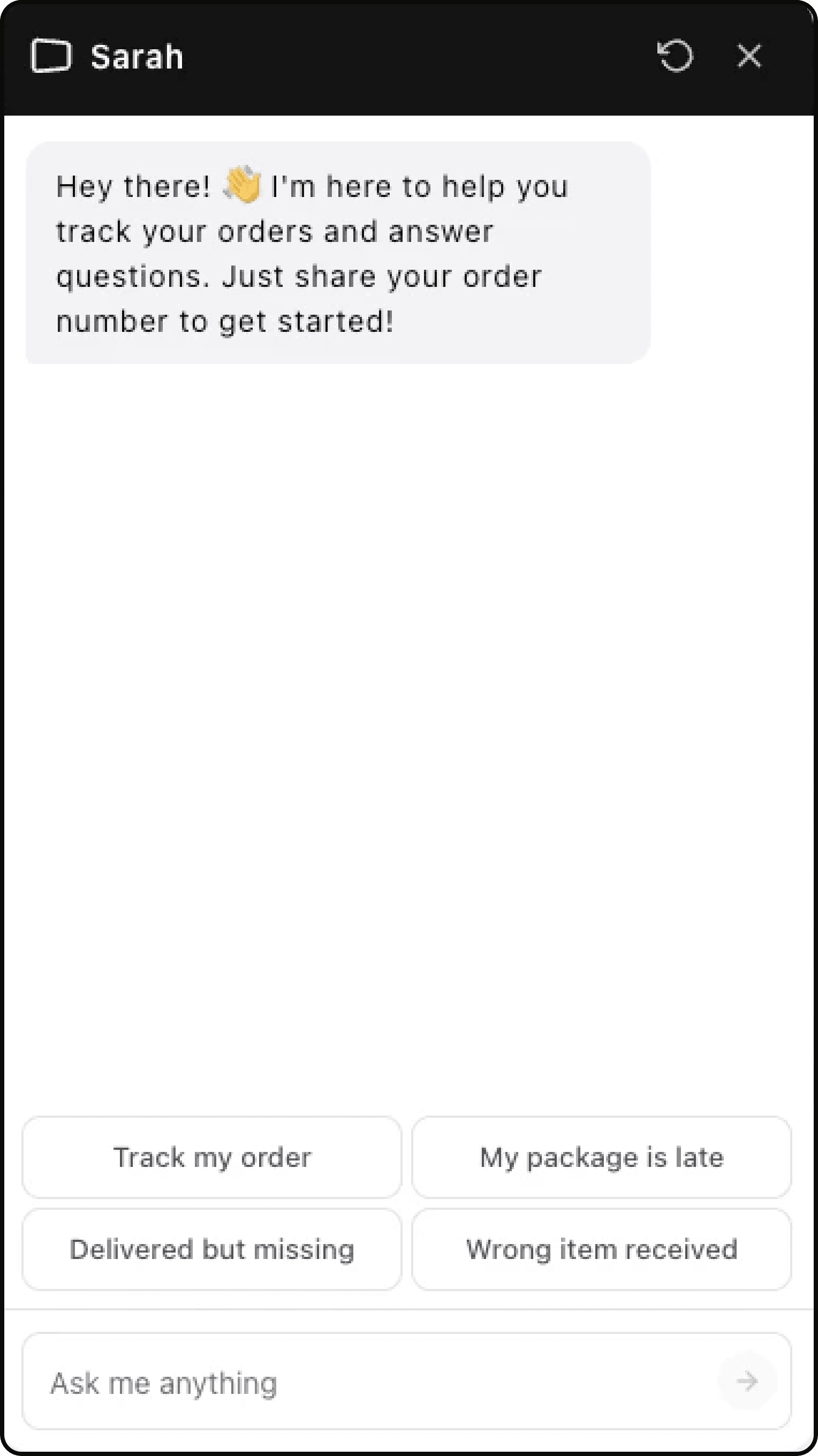
Natural language input
Customers don't need to follow a script. They can type questions however they naturally would:
- "Where's my stuff?"
- "Order 1042 status"
- "I placed an order last Tuesday, has it shipped?"
- "My order hasn't arrived"
Lumen understands the intent behind these messages. If it needs more information, it asks for the missing detail instead of forcing customers into a fixed form.
Response format
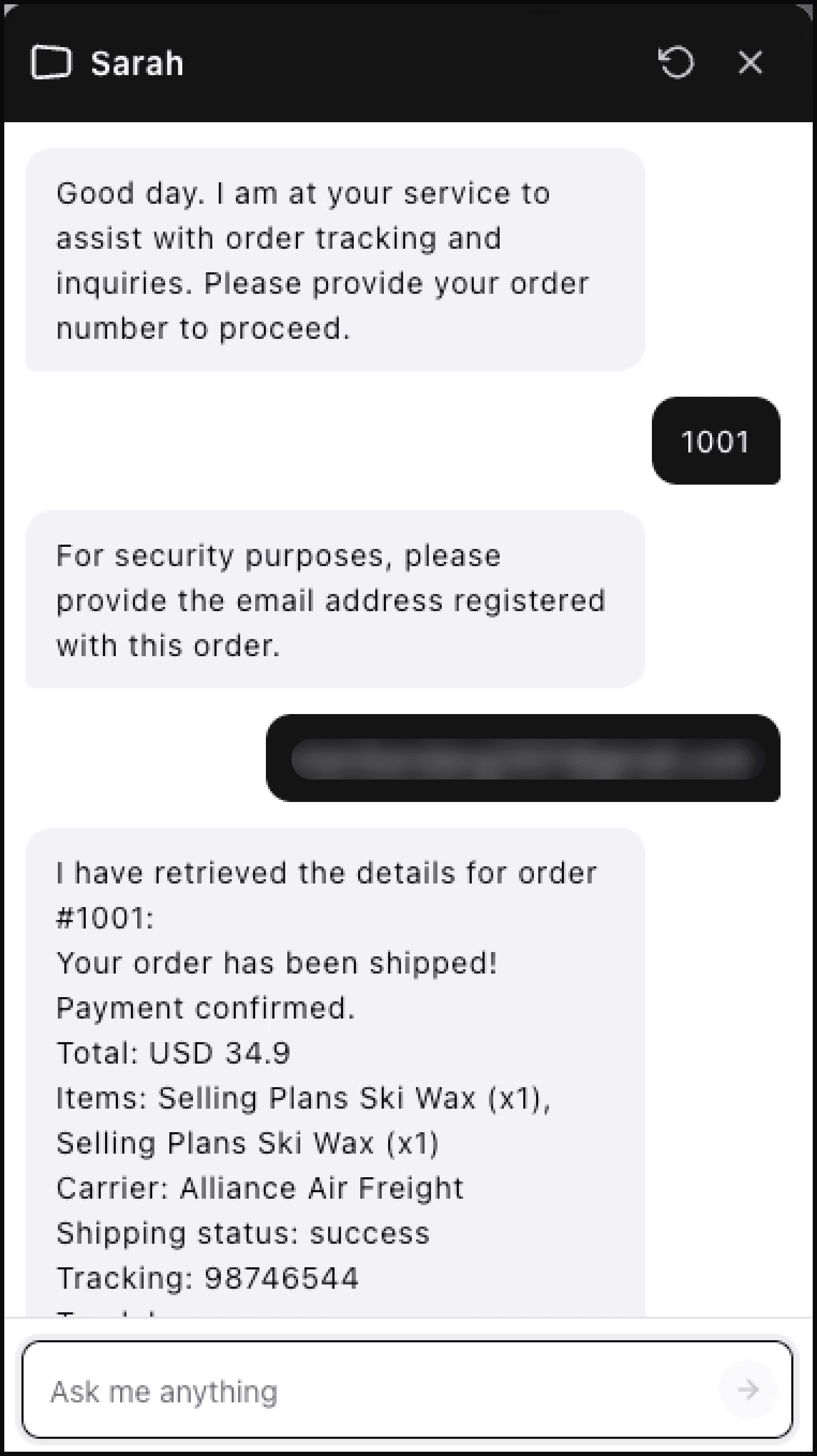
After the customer verifies the order email, a typical response can include:
- Current order status (processing, shipped, delivered)
- Tracking number and carrier name
- Estimated delivery date (when available)
- A direct tracking link (when the carrier provides one)
Order number first, email before details
For privacy, Lumen asks for an order number and then verifies the email associated with that order before showing details.
If the email does not match, Lumen does not reveal order details. The customer can try again or contact your support team.
Conversation memory
Within a single chat session, Lumen remembers the verified order context. This lets customers ask follow-up questions like "Can I get the tracking link?" without repeating the same details.
Sessions are not treated as permanent customer accounts. If the customer comes back later in a new session, Lumen may verify again.
Response speed
Lumen is optimized for fast responses. Most queries are answered in just a few seconds, so customers get the information they need without waiting.
When Lumen can't help
If a customer asks something outside Lumen's scope — like requesting a refund, changing an address, or reporting a damaged item — Lumen:
- Acknowledges the question
- Explains what it can help with
- Creates a ticket or offers escalation when human help is needed
This keeps the experience helpful rather than frustrating.